eSIMs Explained: The Traveller's Guide to Staying Connected
I once stood in a crowded Indonesian shopping mall phone shop for the better part of an hour. There was a language barrier. There was a queue. There were staff members huddled over a laminated price sheet, trying to figure out which plan would work for both my travel partner and me. We handed over our passports for IMEI registration. We waited. We waited some more.
It worked, eventually. We got more data than the tourist SIMs at the airport would’ve given us. But this is not always the preferred or most efficient option for many and there are alternatives.
One option is an eSIM — that’s “embedded SIM” for anyone who, like me, assumed it stood for “electronic” or possibly “easy.” It is neither. But that’s what this guide is for: making it actually easy.
What’s an eSIM?
An eSIM is a SIM card built into your phone. No tiny plastic chip, no fiddly ejector tool, no losing it in your bag and finding it three trips later.
Instead of swapping physical cards, you download a data plan directly to your phone. Scan a QR code, activate, done. The satisfaction of landing, switching on your phone, and having data immediately is unreasonably high. It’s like skipping the queue at immigration, but for your phone.
Does Your Phone Support eSIM?
Most phones from 2020 onwards do, but check before you leave:
iPhone: Settings → Cellular/Mobile → Add eSIM (if you see this option, you’re good) Android: Settings → Network & Internet → SIMs → Add eSIM
Generally supported:
- iPhone XS and newer
- Google Pixel 3 and newer
- Samsung Galaxy S20 and newer
- Most newer mid-range Android phones
Not supported:
- Older phones
- Some budget Android devices
- Carrier-locked phones (sometimes)
eSIM vs Local SIM vs Pocket WiFi vs Roaming
Physical SIMs: satisfying to hold, easy to lose. eSIMs: invisible, impossible to lose, occasionally impossible to activate.
Here’s how they actually compare:
eSIM
Pros:
- Set up before you leave (or at the gate, panicking, like the rest of us)
- No physical card to lose
- Switch between plans easily
- Works in 200+ countries with the right provider
- No kiosk queues, no passport registration in most cases
Cons:
- Phone must support it
- Can’t physically transfer to another device
- Some countries have limited provider support
- Requires WiFi or data to activate
Best for: Frequent travellers, multi-country trips, people who value convenience.
Local Physical SIM
Pros:
- Often cheapest option for longer stays
- Can get more data than tourist eSIMs
- Works on any unlocked phone
- Local number for receiving calls/SMS
Cons:
- Queue at the airport or find a shop
- May need passport registration (like Indonesia’s IMEI system)
- The tiny SIM ejector tool is the most losable object in travel. Right behind adapter plugs and dignity at airport security. (Speaking of adapters — that’s another article.)
- Language barriers can complicate things
Best for: Long stays in one country, budget travellers, people who need a local number.
Pocket WiFi / Travel Router
Pros:
- Connect multiple devices
- No phone compatibility issues
- Can boost weak hotel WiFi (with travel routers like GL.iNet)
- Keeps your phone’s SIM slot free
Cons:
- Another device to charge
- Another device to lose
- Rental fees add up
- Have to carry it everywhere
Best for: Families, groups, people with multiple devices, those who need a local number AND data.
International Roaming
Pros:
- No setup required
- Keep your number
- Sometimes SMS is free to receive (useful for banking and other app notifications)
- Can be good as a secondary SIM
Cons:
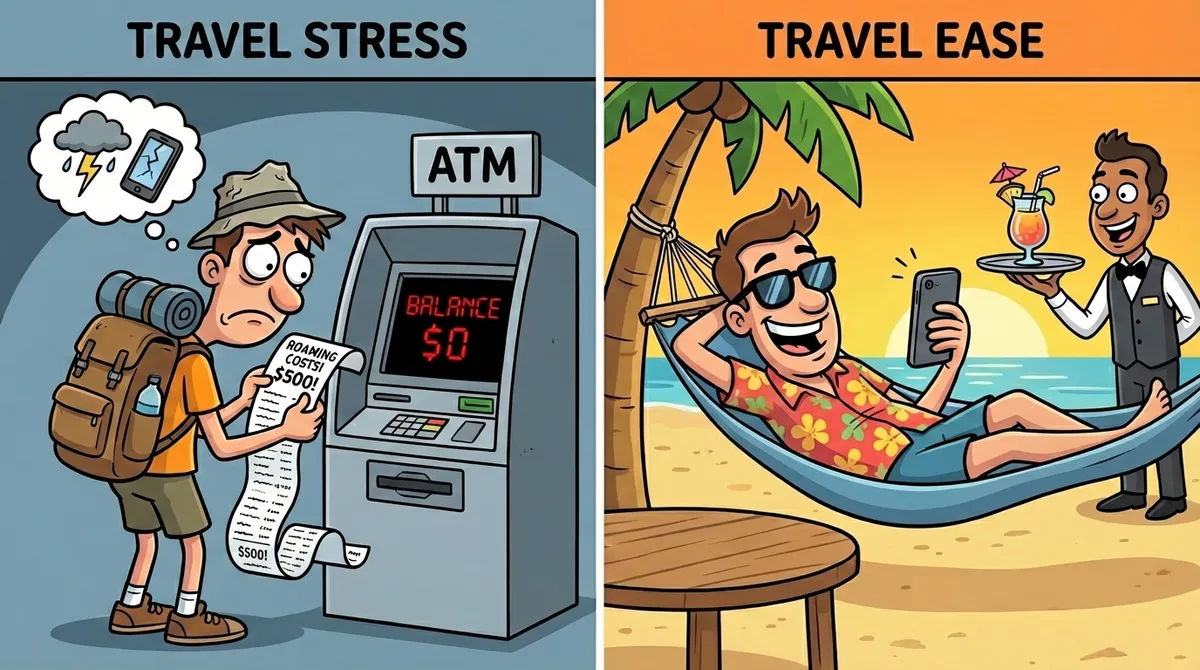
- Every traveller has an “I paid how much for roaming?!” story. eSIMs exist so you never have to tell that story.
- Expensive
- Speed often throttled
- Complicated rate structures
Best for: Short trips where convenience outweighs cost, or if your carrier has a genuinely good international plan (rare).
Quick Comparison Table
| Option | Cost | Setup | Multi-Device | Best For |
|---|---|---|---|---|
| eSIM | $$ | Before trip | No | Convenience |
| Local SIM | $ | On arrival | No | Long stays |
| Pocket WiFi | $$$ | Rental | Yes | Groups |
| Roaming | $$$$ | None | No | Emergencies |
When to Use What
Short trip, one country: eSIM is usually the easiest choice.
Long stay, one country: Local SIM often gives you more data for less money.
Multi-country trip: eSIM with regional coverage (like “Europe” plans) is hard to beat.
Travelling with family/group: Consider a travel router or pocket WiFi alongside your eSIM.
Need a local number: Physical SIM or get a secondary eSIM that includes calls.
How to Set Up an eSIM
There are two types of travellers: those who set up their eSIM at home like responsible adults, and those who do it in the airport departure lounge while boarding is announced.
Be the first type. Here’s how:
- Check compatibility (see above)
- Choose a provider (see recommendations below)
- Buy your plan — usually via app or website
- Add the eSIM:
- You’ll get a QR code
- Scan it in Settings → Cellular/Mobile → Add eSIM
- Or use the provider’s app for automatic setup
- Label it — Name it something useful like “Japan Trip” or “Europe Data”
- Enable it when you land — Keep your home SIM active until you’re in the air, then switch
Pro tip: You can buy your eSIM while you’re still on your home WiFi, like a person who plans ahead. Do this. Activating an eSIM without internet is… awkward.
Recommended eSIM Providers
I’m still exploring eSIM providers myself, but these are the major players travellers recommend:
Airalo
Coverage: 200+ countries Pricing: Pay per GB, starts around $5 for small plans App: Well-designed, easy to use Best for: Most travellers, especially multi-country trips
They offer both country-specific and regional plans (Europe, Asia, etc.).
Holafly
Coverage: 170+ destinations Pricing: Unlimited data plans (daily rate) Best for: Data-heavy users who don’t want to worry about limits
More expensive than Airalo, but “unlimited” has its appeal if you’re streaming or working remotely.
Nomad eSIM
Coverage: 100+ countries Pricing: Budget-friendly Best for: Simple trips, budget-conscious travellers
Fewer features but straightforward. Good if you just need basic data.
Saily
Best for: Privacy-focused travelers Strong choice for security (ad-blocker, VPN) and reliability.
SimLocal
Best for: Competitive pricing Known for competitive pricing, especially unlimited plans, and good customer support.
Ubigi
Best for: Easy connectivity Good for easy data top-ups and general connectivity.
Roamless
Best for: Pay-as-you-go Great for pay-as-you-go or low-data users, with non-expiring credits.
Google Fi (US users)
If you’re US-based and want one plan that works everywhere, Google Fi’s international coverage is solid. Not the cheapest, but convenient.
Troubleshooting
eSIM won’t activate:
- Make sure you have WiFi or data to complete activation
- Restart your phone
- Check you haven’t already used the QR code (they’re usually one-time)
No data after landing:
- Enable data roaming for the eSIM (yes, even for eSIMs)
- Make sure the eSIM is selected as your data line
- Restart your phone — the universal fix
Can I use multiple eSIMs?
- Yes, most phones support multiple eSIMs stored, but only one active at a time (or two on recent iPhones)
Welcome to the future. Your data works, your phone knows where you are, and you didn’t have to talk to anyone at a kiosk.